

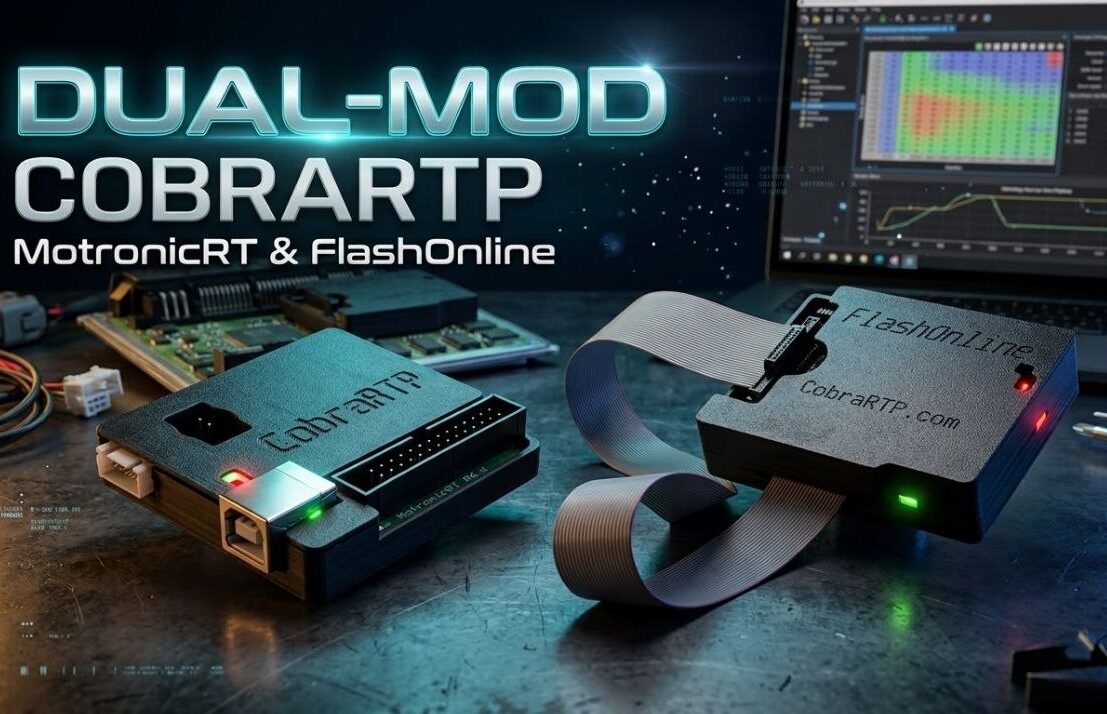
ROM emulators CobraRTP Team have long established themselves as a convenient tool for online engine tuning. But in addition to real-time calibration editing, these boards also feature a hardware function Dual-Mode — the ability to store several independent firmware versions in the device’s memory and switch between them on the fly.
We'll explore how the dual-mode operating format works and how to use it to implement effective launch control even on older control units that weren't factory-installed.
How Dual-Mode Works in CobraRTP
The operation is based on dividing the emulator's memory into two independent banks. On the board itself CobraRTP Team special contacts (jumper) are provided Dual-Mod:
- Contact closed (jumper installed) — the first memory bank is active (Firmware No. 1).
- Contact is open (jumper removed) — the second memory bank is active (Firmware No. 2).
The boot process is extremely simple: you close the jumper and write the first file to the emulator. .bin-file (for example, through TunerPRO RT or HTS), then open the contact and load the second file. The emulator's non-volatile memory stores both firmware versions, and switching between them is possible directly. with the engine running.
Creating Launch Control Without Complex Modifications
Many older ECUs (e.g. Bosch Motronic, Siemens, etc.) do not have a built-in launch control algorithm based on the speed or clutch sensor. Function Dual-Mode allows you to bypass this limitation in the simplest and most reliable way.
The gist of the idea: We take the same customized firmware, make a copy of it and change only the RPM limit (cutoff) in it.
- Firmware #1 (Start / Launch): a copy of your combat map where the fuel or ignition cutoff is strictly limited, for example, on 3000–3500 rpm (optimal RPM for traction at the start). If desired, the same firmware can be used to slightly adjust the ignition timing and mixture at these RPMs for faster boost on turbocharged engines.
- Firmware #2 (Combat / Regular): your basic daily or racing program with a standard cutoff (eg. 7000 rpm).
How it works in practice
Instead of the standard jumper to the contacts Dual-Mod A two-wire cable is connected (the manufacturer recommends a length of no more than 1 meter to avoid interference), which is routed to a convenient button without a lock (on the steering wheel, gear knob, or under the clutch pedal).
- At the start: You press and hold the button (the contact closes, activating Firmware #1) and floor the gas. The engine reaches the set cutoff. 3000 rpm, keeping the starting speed evenly.
- Starting moment: You release the clutch and simultaneously release the button (the contact opens). The ECU instantly and smoothly switches to firmware #2—the 3000 RPM limiter is removed, and the engine revs up to its maximum redline in performance mode.
Other Dual-Mode Use Cases
Besides launch control, switching between two firmware versions via a switch in the cabin opens up a host of other possibilities:
- "City/Highway" or "Economy/Sport": calm corners and lean mixtures for daily traffic jams in the first bank and aggressive maps for 100th gasoline in the second.
- Valet mode (wash and service limiter): firmware with a cutoff at 2500-3000 rpm, so that no one can "speed" your car while you hand over the keys to the service station or parking lot.
- Petrol / Gas (LPG): two full-fledged ignition maps for different fuel octane numbers.
- Safe comparison of calibrations: On the dyno or on the road, you can compare two angle or mixture settings in one click without having to re-upload the file from your laptop each time.

 Русский
 English (UK)
 Français